Hi, I attempted to contact the creator of the pack via email but didn’t get a response, so I’m hoping the community can help me out here.
A while back, I bought the PurePolygon’s Procedural Nature Pack Vol. 1 (Procedural Nature Pack Vol.1 in Environments - UE Marketplace), and I’m getting some horrible framerate when I’ve got a tree in my map. Someone in the comments explained this and (sort of) gave a solution:
“To the people having issues with performance, its an easy fix. When you create a branch spline and add branches, each individual branch is its own mesh. As you can imagine, once you have a tree you are satisfied with, the tree ends up being made of like 100+ small meshes (or even more). To fix this, once you have a branch spline you are satisfied it, you need to export it as an fbx, reimport it as a single mesh, and reapply the materials. (this of coarse messes up the lightmaps and collision which will require a little extra effort on your part).”
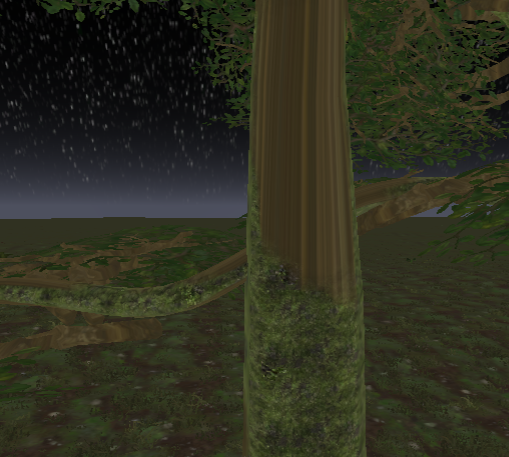
I wasn’t entirely sure what (s)he meant, but I tried selecting the entire tree (each spline mesh - the branches, the trunk, etc.) and doing File > Export Selected. It exported as a single .fbx, but when I re-imported it, it imported over a hundred different assets individually - every mesh was imported as its own file. To fix this, I opened the .fbx in Blender, joined all of the meshes, and re-exported. It imported just fine this time, but now the materials were acting up. I applied the branch material. The branch material has an animated deformation thing so that it looks like wind, but it wasn’t seamless with this new single .fbx. By that, I mean that some parts of the mesh didn’t deform from the “wind,” causing them to detach from each other. I applied the wood texture to the tree, and it was horribly stretched, except for the moss (which is part of the same material, which doesn’t make sense). There’s also no tessellation on the mesh either, which there is on the original. Here’s a GIF showing what I mean: https://i.gyazo.com/dfa4f5921334ceb7dcf226375db7f44c.mp4
And here’s a screenshot of the stretched texture: https://i.gyazo.com/3e9054192cede5649747844c80fc2bdf.png
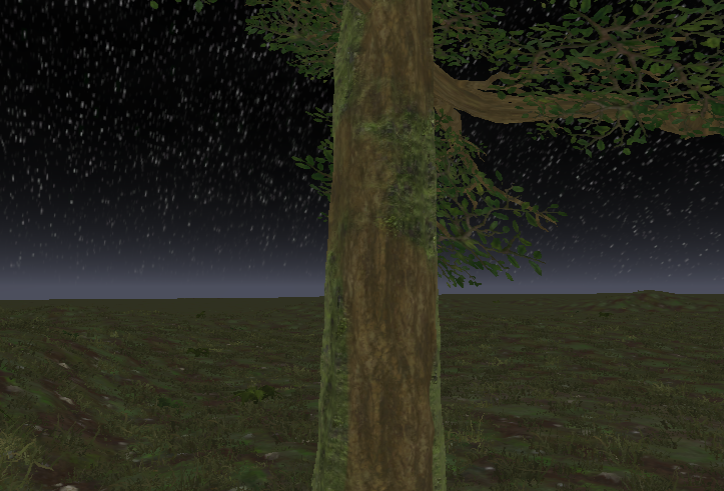
Compared to the original tree (the one composed of tons of spline meshes - the one that’s causing the framerate issues):
- Texture: https://i.gyazo.com/5b4b9cdaf9b2d7684c0a82910746a7bc.png
- Wind: https://i.gyazo.com/a98f7d2d2e4faafb572fdb5bccf7a78b.mp4
So, what am I doing wrong?
Any help would be appreciated, thanks!
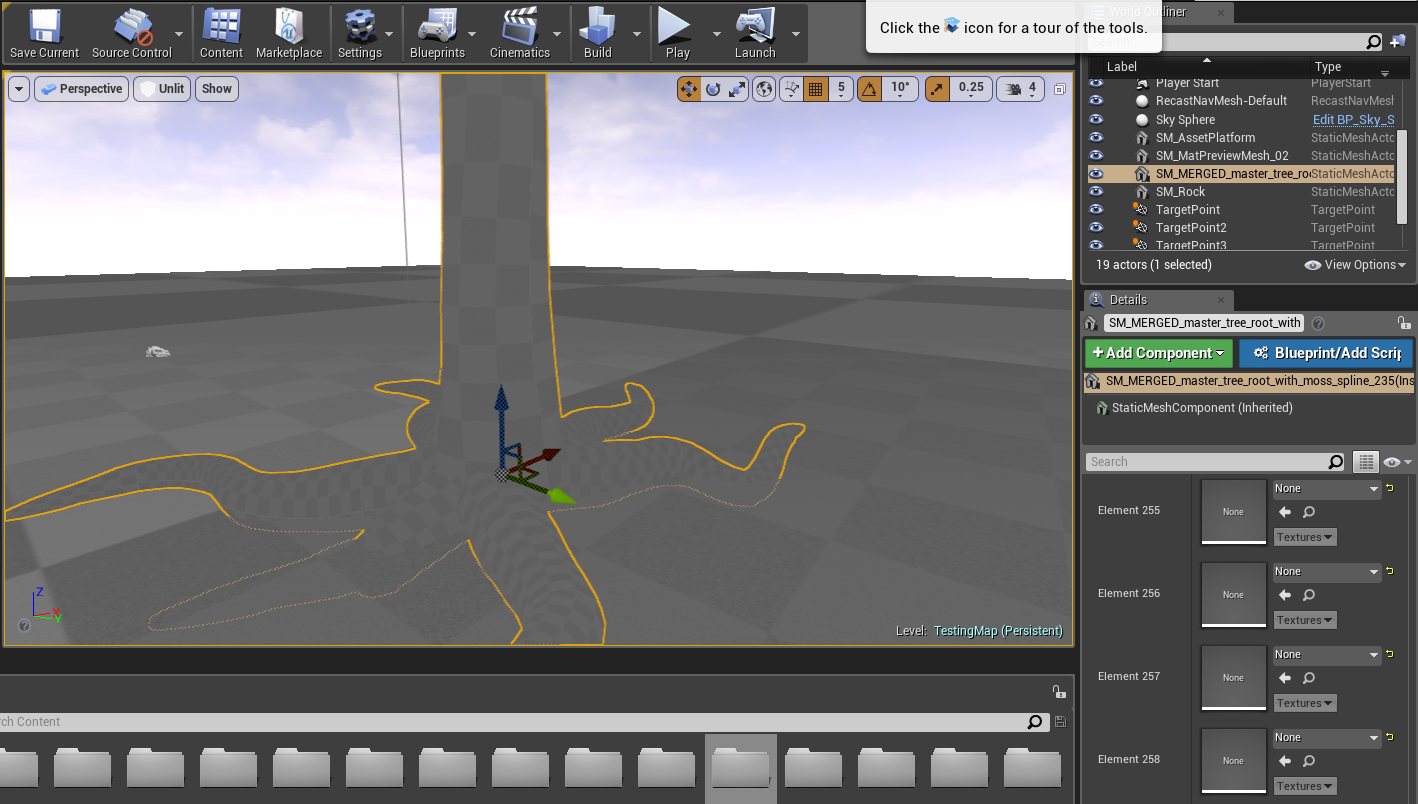
EDIT: I’ve also tried merging the meshes in-editor, but the materials become a huge mess.


 I hope it helps.