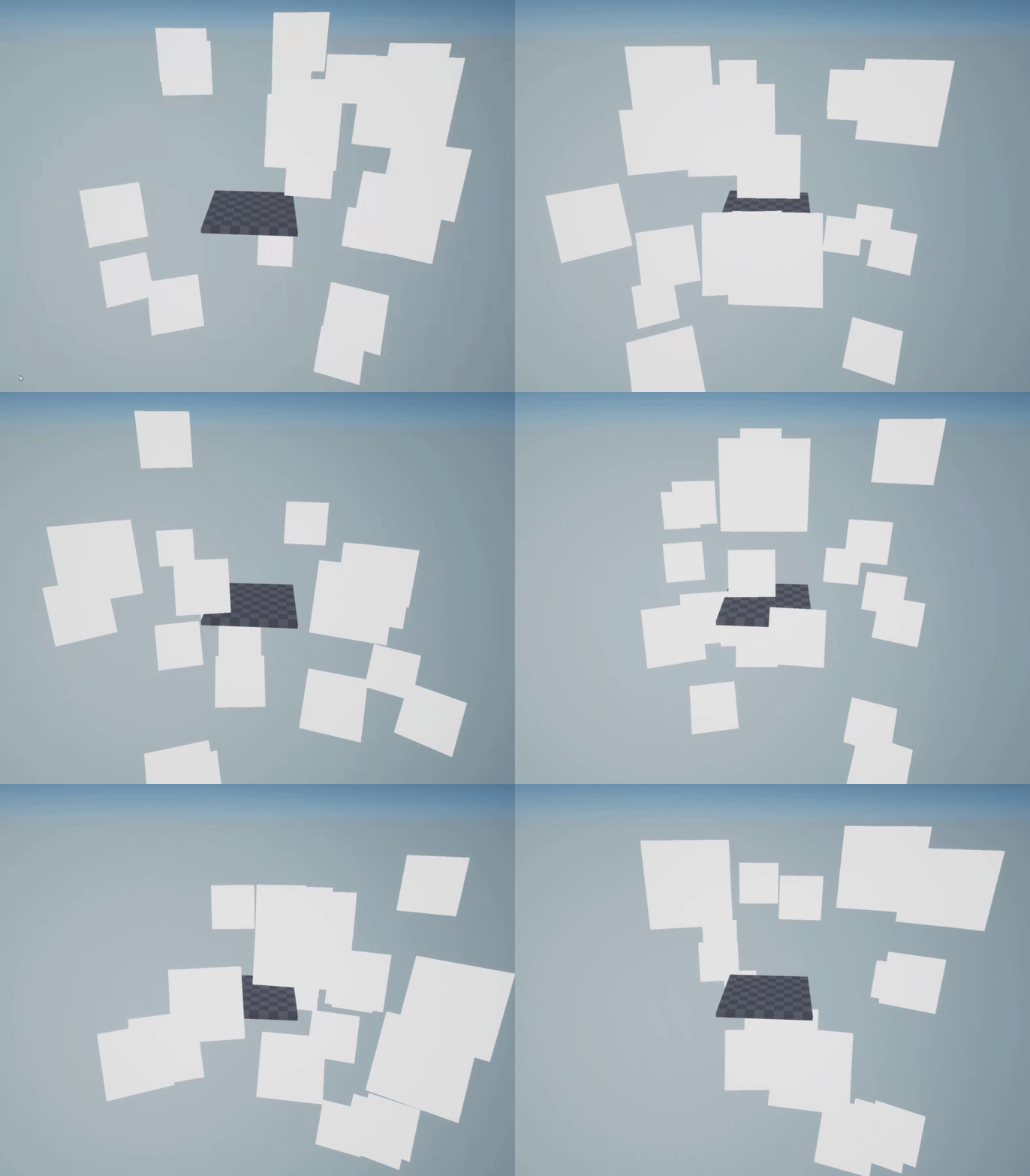
I’ve been doing some FX work lately and for test’s sake decided to switch to masked material to test things out and i’ve noticed strange black flickering on it. I’ve isolated the issue as far as i could and this is what i’ve come up with.
Set our newly created masked material as the emitter’s material
Change the initial size of the particles to a bigger number, like 500 in X and Y.
The effect is the most visible when the Screen Alignment is changed to PSA Velocity, though it also flickers in other screen alignment modes. I reproduced it many times on 4.18.3 in few projects, though on 4.17 it doesn’t seem to happen. It is also worth pointing out that i am running on Radeon RX480 and AMD FX-8350, since one of my peers couldnt reproduce the issue on his Titan card and Intel cpu.
Can anyone except me reproduce this issue? Or maybe someone has an idea on how to fix it, since my eyes hurt from constant flickering. Hope it will just go away in 4.19.
If its just z-fighting, its oddly specific that it does so only on this engine version and only on my setup, as my peers dont have the issue on theirs. Also, it happens for particles that are apart from each other too, as thats how i noticed it. I can post a video of it if you want to see it.
This is Z-fighting. take it from someone who has been working/playing with unreal engine since the first unreal and uses cascade every day.
its something that happens with opaque/masked meshes/sprites that are overlapping, and while it always happens the quality of gpu/anti alliasing/filtering can change how it looks a little. this happens on every gpu and cpu.
This especially happens when the particles are screen aligned meaning that all the sprites are aligning their surfaces causing z-fighting.
use a variety of different location modules (sphere for instance) and velocity modules to randomize the location of the particles to avoid z-fighting.
First of all, thanks for trying to help me out, i really appreciate it.
I checked if non overlapping particles have the issue too and indeed they do, here’s the video:
The artifacts exist even if the particles are extremely far away from each other:
And thanks to you i began testing if i can reproduce the issue on other engine versions and i’ve learned that it is NOT 4.18 specific. I reproduced it in 4.16 and 4.17, the reason i noticed no issues earlier on 4.17 is because i’ve had DBuffer Decals turned off for some reason in project settings. Turning it on brings back the flickering.
That being said, turning off DBuffer Decals magically fixes the issue for me. Why does that happen, i have no idea, but im not sure if the black flickering is intended to happen with DBuffer Decals on, even though its a clean empty project and no decals are used anywhere.
I’ve got the same issue. happens even when I only spawn one particle. only effects cpu particles, the gpu particles work fine. I have an intel i5-7600k and a gtx 1070
dbuffer decals setting has no effect for me.