Hi,
I would like some help from you because I’ve got a problem about landscape texturing and I’m helpless. When I want to paint a piece of area, the whole tile changes its texture. I cannot paint road for example. What should I do? Thank you for your advice in advantage.
Can you show us your Material Graph?
It seems to be painting the whole component for some reason, did you paint that grass layer or did it pop up automatically, were you having issues with the other layers or only the dirt
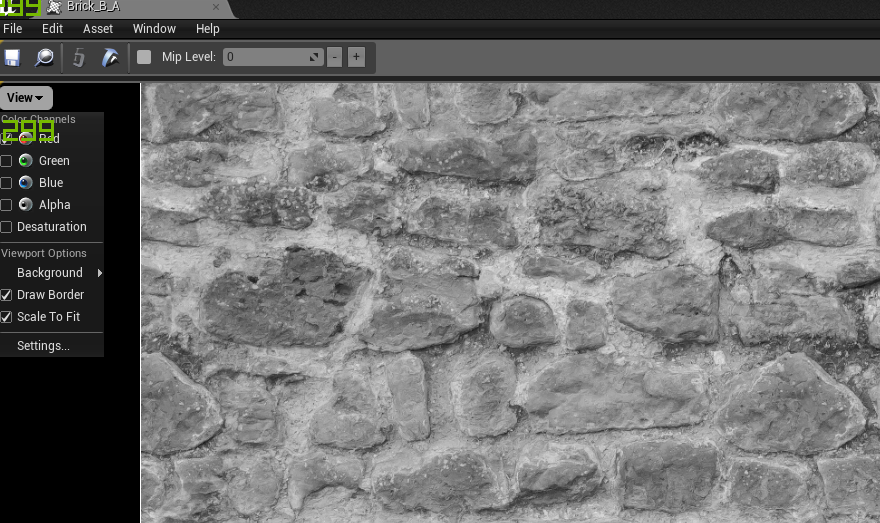
I’ve got a feeling the height input for the layer blend node is incorrect, the height inputs all need to be the same heightmap as well also maybe those alpha channels are empty, open up those textures and see if they are channel packed https://i.gyazo.com/07ef586285051a018a52c7df8f5ec351.png if you don’t think they are you could find the channel that looks the closest to a heightmap and use cheap contrast to fake a heightmap (I’ve done this in the past, but only as a temporary fix.
I’m fairly noob when it comes to shaders
Also it might be worth looking into material functions since layer blend nodes can accept attribute outputs as of 4.11 and will make everything more manageable, especially when you start getting into trying to hide texture repetition