Hi,
I’m trying to get this to work, but sadly don’t know how.
What I basically want is to lay some tram tracks and want the tracks to go
down into the floor (lanscape), but the landscape is of course clipping through.
What would be a good way to approach this issue? Custom render depth pass
is not working for me, or I don’t know how to set it up properly.
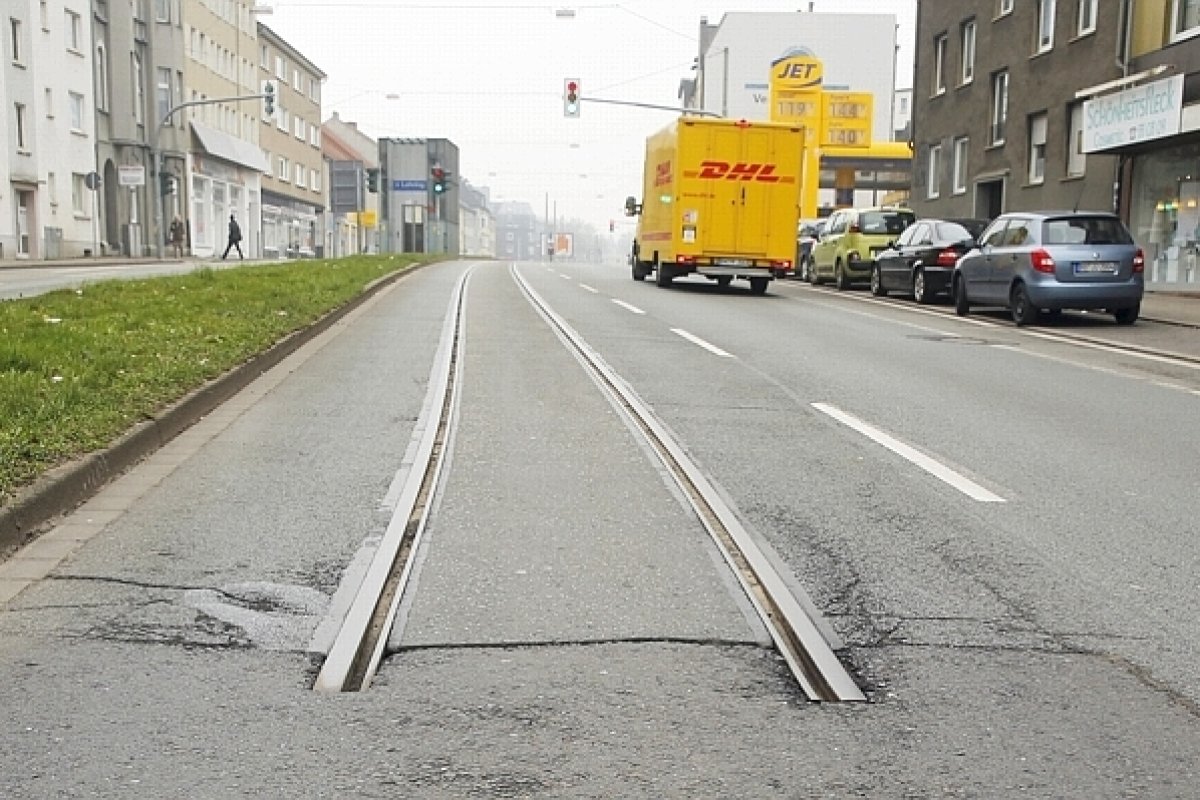
Here is a picture of the tracks
The tracks go into the street, exactly what I’m trying to achieve,
hope somebody can help and big thanks in advance!
[USER=“347221”]Max Mittelstädt[/USER] I’m assuming you’re tilting the rail, so only the end goes into the landscape. Then parts of the rail will go ‘underground’ just like in real life.
@ClockworkOcean I’m sorry my question was not phrased well. What I try to achieve is, having the rails go into the landscape, but the landscape is of course clipping through them. How is it possible to render the rails, so that they appear to be in the ground, withouth having to manually carve them into the landscape? Like play with the custom depth stencil or something like that, but I could’t achieve that to a satisfactory state.
[USER=“347221”]Max Mittelstädt[/USER] I think if you mess around with the material you might get a slightly less ‘sudden’ dissapearance of the rails, but I think you’ll still need to either place decals or other actors to make it look right ( like small stones, foliage etc ).